Is your business still running Windows 10? With Microsoft ending support on October 14, 2025, you’re not alone in wondering what this means for your daily operations. At Catalyst Computers, we’ve helped dozens of Sydney businesses navigate operating system upgrades, and we understand the concerns about disruption, costs and compatibility.
The reality is that Windows 11 isn’t just Microsoft pushing another update. It’s a genuine step forward in security, productivity and performance that Australian businesses are already benefiting from. Let’s break down what this upgrade actually means for your business.
Why Windows 10’s End-of-Life Matters
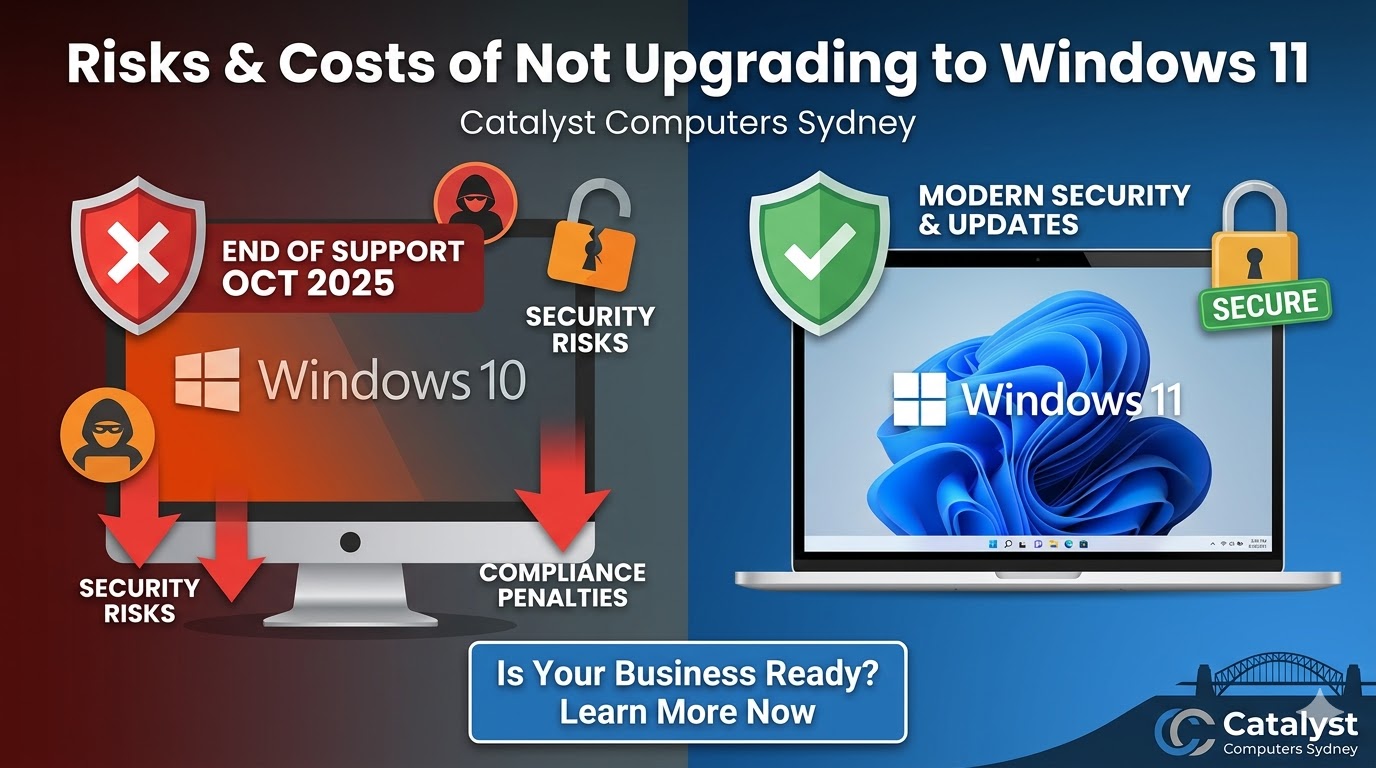
When Microsoft stops supporting Windows 10 in October 2025, your computers won’t suddenly stop working. However, the risks start compounding immediately.
Security Gaps Will Grow
Without security patches, every new vulnerability discovered becomes a permanent hole in your defences. Australian businesses lost over $33 billion to cybercrime in 2023, and outdated operating systems are prime targets.
Compliance Becomes Complicated
The Australian Privacy Principles require businesses to take reasonable steps to protect personal information. Running unsupported software makes it difficult to demonstrate compliance, with penalties reaching $2.22 million for serious breaches.
Support Disappears
When issues arise, and they will, Microsoft won’t be there to help. That Friday afternoon crisis becomes your problem alone, unless you have a trusted IT partner managing your systems.
The Real Benefits of Windows 11 for Your Business
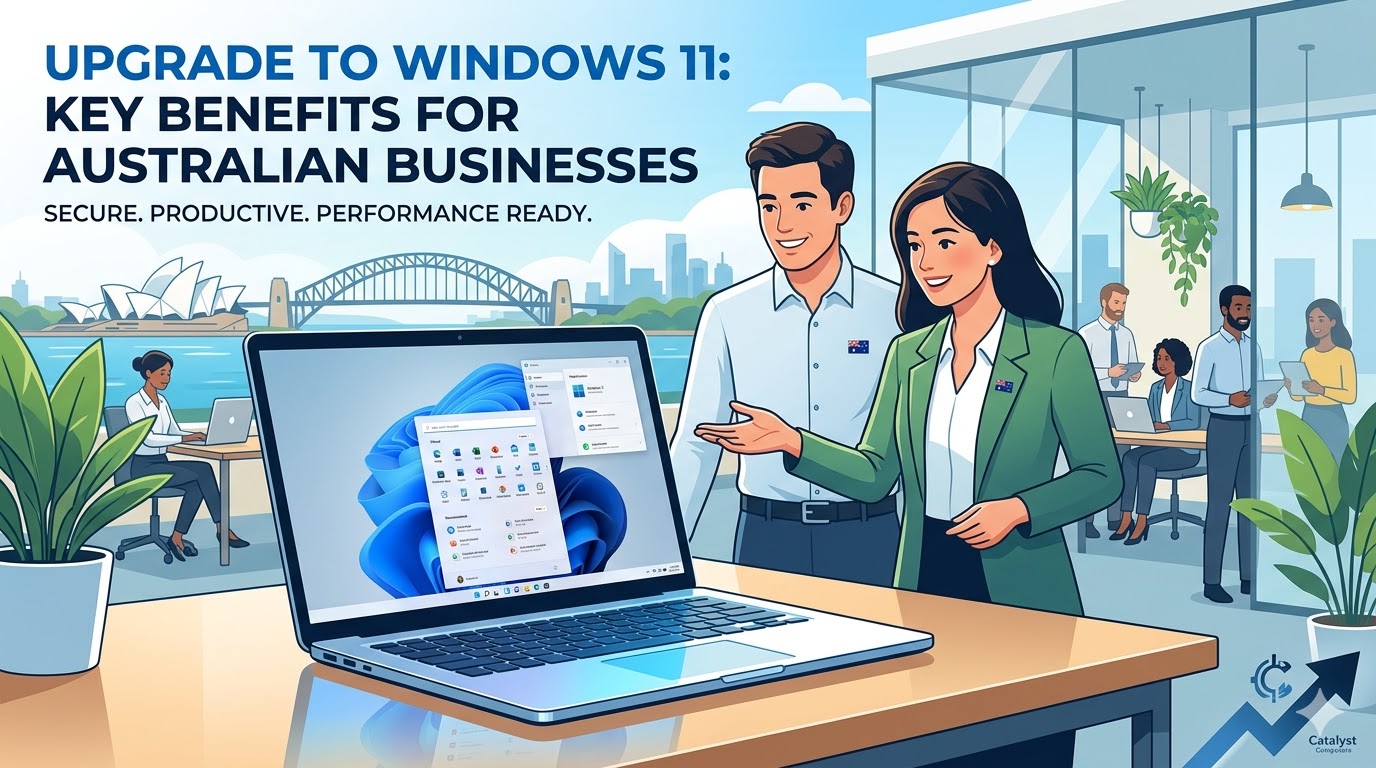
Windows 11 delivers improvements across three critical areas: security, productivity and performance. Here’s what our clients experience after upgrading.
Security That Works in the Background
Windows 11 introduces hardware-based security features that protect your business without slowing you down.
- TPM 2.0 and Secure Boot encrypt your data at the hardware level and ensure your system boots with trusted software only. Most business computers manufactured in the last three years already have this chip installed.
- Virtualization-Based Security creates isolated memory regions that prevent malicious code from executing, even if an attacker breaches other defences.
- Windows Hello for Business replaces passwords with biometric authentication or secure PINs. Since stolen passwords remain the leading cause of data breaches, this single feature dramatically reduces your risk exposure.
- Improved Microsoft Defender provides real-time protection against malware and phishing attacks, with enhanced detection algorithms that identify sophisticated threats before they reach your inbox.
Productivity Tools Your Team Will Actually Use
Windows 11 includes features designed for how Australian businesses work today, especially with hybrid and remote arrangements becoming standard.
- Snap Layouts and Snap Groups make organising multiple windows simple. Your team can arrange applications exactly how they need them and restore those arrangements with a single click.
- Windows Copilot is Microsoft’s AI assistant built directly into the operating system. It helps staff navigate settings, automate routine tasks and access key features quickly, saving time on everyday activities.
- Microsoft Teams Integration puts collaboration tools directly in the taskbar. Starting a video call or sending a quick message doesn’t require hunting through applications.
- Virtual Desktops let staff create separate workspaces for different projects or clients. Switching between them keeps work organised without cluttering the screen.
Performance That Keeps Up With Your Business
Windows 11 isn’t just about new features. It’s noticeably faster and more efficient than Windows 10 on the same hardware.
- Faster Boot Times mean your team spends less time waiting and more time working. The improved resource management also delivers better responsiveness throughout the day.
- Direct Storage Technology allows applications to load assets directly from your storage drive, bypassing the CPU bottleneck. This significantly reduces load times for demanding applications.
- Extended Battery Life benefits staff working from client sites or on the road. Optimised power management keeps laptops running longer between charges.
Meeting Australian Compliance Requirements
Windows 11’s security features align with the Australian Signals Directorate’s strategies for combating cyber threats. The baseline protections, including credential guard and hardware-enforced security, meet the requirements that compliance-driven procurement now demands.
For businesses in healthcare, finance, legal or government sectors, Windows 11 provides the foundation for demonstrating that you’re taking reasonable steps to protect sensitive information.
Australian data residency is also maintained when you pair Windows 11 with Microsoft 365. Your data stays in Microsoft’s Sydney and Melbourne data centres, meeting local sovereignty requirements.
What You Need to Upgrade
Before upgrading, your hardware needs to meet certain requirements. Most business computers under four years old will qualify.
Minimum requirements include:
- TPM 2.0 chip (check your BIOS settings)
- UEFI firmware with Secure Boot capability
- 4 GB RAM minimum (we recommend 16 GB for business use)
- 64 GB storage minimum (256 GB recommended)
Not sure if your computers qualify? We offer free assessments to check compatibility across your entire fleet through our small business support services.
How Catalyst Computers Makes Upgrades Painless
At Catalyst Computers, we’ve refined our Windows 11 upgrade process through dozens of successful projects across Sydney. Here’s what sets us apart.
- We’re genuinely local. Our technicians live and work in Sydney. When you call, you speak to someone who understands Australian business requirements, not an offshore call centre.
- Fixed-price projects. You’ll know exactly what the upgrade costs before we start. No hourly billing surprises, no hidden fees.
- Zero-downtime upgrades. We schedule work outside business hours and provide immediate support if issues arise. Your team starts Monday morning on Windows 11 without missing a beat.
- 30-day support included. Every upgrade includes 30 days of post-migration support at no extra cost. If your team has questions or encounters issues, we’re here to help.
- No contracts required. You pay for the upgrade project. That’s it. No monthly retainers or lock-in agreements.
Ready to Future-Proof Your Business?
The December 2025 deadline is approaching faster than you think. With upgrades typically taking 1-2 weeks per business and IT providers booking up quickly, now is the time to plan.
At Catalyst Computers, we’ll assess your current systems, check hardware compatibility, and provide a fixed-price quote for your Windows 11 upgrade. No jargon, no pressure, just straight answers about what your business needs.
Contact Catalyst Computers today:
- Phone: 02 9160 0335
- Email: info@catalystcomputers.com.au
- Website: catalystcomputers.com.au
Book your free Windows 11 readiness assessment today. We’ll review your current setup, identify any compatibility issues, and show you exactly how to upgrade without disrupting your business.
Don’t let an avoidable deadline put your business at risk. The best time to upgrade was last month. The second-best time is now.