
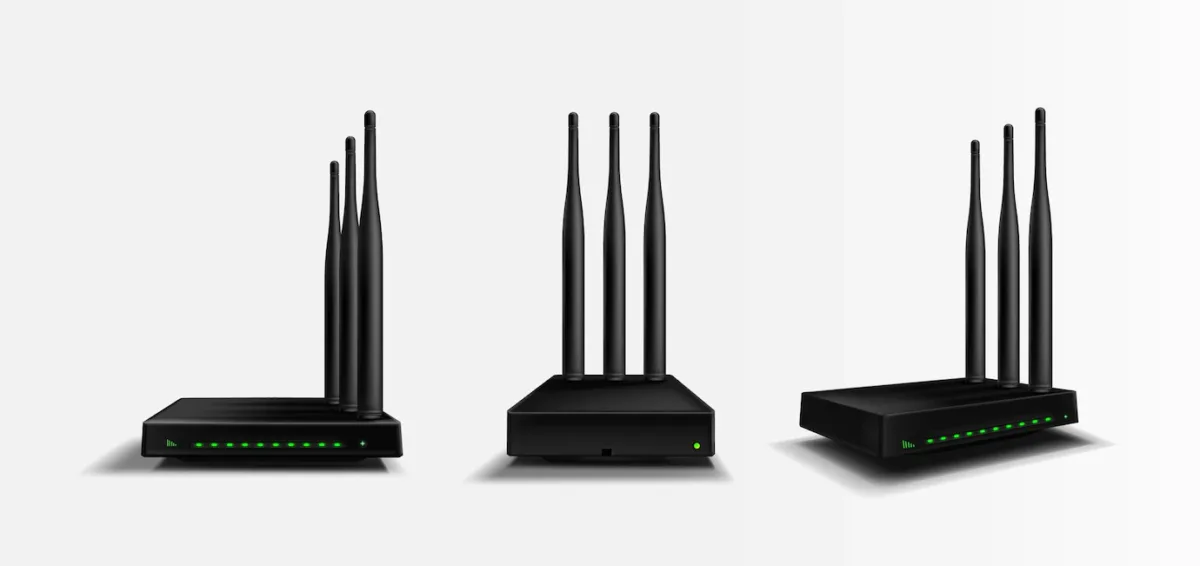
Choosing the best NBN modem is genuinely confusing. Providers will usually bundle a unit with the plan, and you are free to buy your own, but the useful question is which device actually carries your household traffic, because whatever sits at that point sets the ceiling for everything behind it.
Hardware ranges change every year, so this guide deliberately avoids naming models that will be superseded within months. Instead it explains what your connection actually needs and which features are worth paying for. Get those two things right and the specific model matters far less than you would expect.
Start With Your NBN Connection Type
Before comparing any hardware, find out which nbn technology your address uses. Your provider can confirm it, and it appears on your service documentation. This one fact decides whether you need a modem router or simply a router.
FTTP, HFC, FTTC, Fixed Wireless and Satellite: You Only Need a Router
On Fibre to the Premises, nbn installs a connection box inside the building, and states that “the connection box is connected to the router by an Ethernet cable.” HFC works the same way: nbn confirms that “HFC connections require an nbn network device to be installed at the point where the line enters your home.”
Fibre to the Curb uses an nbn connection device that your router plugs into via a dedicated Ethernet port. Fixed Wireless installs an outdoor antenna plus an indoor connection box, which nbn says connects “to your modem with an ethernet cable.” Satellite services follow the same pattern.
In every one of these cases the conversion work is already done for you. Buying a modem router simply adds a modem you will never switch on. A plain Wi-Fi router with a gigabit or multi-gigabit WAN port is the right purchase.
FTTN and FTTB: You Need a VDSL2 Modem Router
Node and building connections are the exception. nbn states that “the Fibre to the Node (FTTN) and Fibre to the Building (FTTB) networks use VDSL2 technology,” and that “older ADSL and ISDN modems are not compatible with the FTTN network.”
On FTTN, nbn advises that unless a telephone wall socket needs installing, no equipment is installed inside the premises at all. Your modem router plugs straight into that wall socket, so it must be VDSL2 compatible and meet nbn’s interface specification, including vectoring and Seamless Rate Adaption. A non-compliant modem may run below full speed or drop out; nbn may block it if it interferes with other services
How to Judge an NBN Modem Router
There is no single best NBN router for everyone. There is only the one that matches your connection type, your plan speed and your floor plan. We weigh four things, in this order:
- Compatibility. Does it suit your nbn technology? On FTTN and FTTB this is non-negotiable; everywhere else it rules out paying for a modem you don’t need.
- Throughput headroom. Can the WAN port and the Wi-Fi radios carry the speed tier you actually pay for?
- Coverage. Will it reach every room and every desk, or will you need mesh nodes to finish the job?
- Support and updates. Does the vendor still ship firmware and security patches for the model, and for how long?
Match the Hardware to Your Speed Tier
nbn sells wholesale speed tiers, and the fastest are not available at every address. nbn has accelerated “our three highest wholesale residential speed tiers on Fibre to the Premises (FTTP) and Hybrid Fibre Coaxial (HFC) connections”, with a top wholesale download of 2000 Mbps where a participating provider offers it.
That has a direct hardware consequence. A router with a 1 Gbps WAN port cannot pass more than roughly a gigabit, so the highest tiers need a multi-gigabit WAN port. On FTTN and FTTB, a faster WAN port cannot overcome the line’s speed limit, but better Wi‑Fi coverage or wired networking may still improve how your devices perform.
Wi-Fi 6, 6E and 7 Explained
Wi-Fi 6 was named in 2018, and Wi-Fi CERTIFIED 6 launched in 2019. The Wi-Fi Alliance lists OFDMA, multi-user MIMO, 160 MHz channels and 1024 QAM among its key features. In plain terms, those are the techniques that let one router serve many devices at once and pack more data into each transmission.
Wi-Fi 6E is the same feature set, which the Wi-Fi Alliance describes as “extended to the 6 GHz band” – useful in apartment blocks and offices where the 2.4 GHz and 5 GHz bands are congested.
Wi-Fi 7 arrived in 2024. It adds 320 MHz channels in the 6 GHz band, which the Wi-Fi Alliance says “Wi-Fi 7 can use 320 MHz channels in the 6 GHz band where available. That doubles the widest channel size supported by Wi-Fi 6 and can increase throughput on compatible devices.,” along with Multi-Link Operation for load balancing traffic across links and 4K QAM for higher transmission rates.
Stay realistic about the benefit. Your laptops and phones must support the same standard, and no router makes a 50 Mbps plan run faster than 50 Mbps. Buy the newer standard for device density and longevity, not for a headline speed figure.
Bands, Mesh and Coverage
Dual-band routers broadcast on 2.4 GHz and 5 GHz. Tri-band models add either a second 5 GHz radio or a 6 GHz radio, which helps when a large number of devices compete for airtime at once.
Coverage, not raw speed, is usually the real complaint. Double-brick walls, a long terrace layout or a two-storey office will defeat any single router. For difficult layouts, consider a properly placed mesh system or wired access points; test coverage before deciding how many units you need.
Features Worth Paying For
4G or 5G failover. A mobile backup connection that keeps you online when the fixed line drops. Worth the premium if downtime costs you money.
- VoIP support. A phone port matters if your provider bundles a landline over the NBN, which several still do.
- Wired Ethernet ports. Count them before you buy. Printers, NAS drives, desktops and access points all compete for the same handful of sockets.
- Guest and VLAN separation. Keeps visitor devices, and in an office the point-of-sale terminals, off your main network.
- Ongoing firmware updates. An unpatched router is an exposed router. A model still receiving security updates is worth more than a faster one that has been abandoned.
Choosing NBN Hardware for a Business Office
What an office needs from a router is not simply a bigger version of what a house needs. Half a minute offline barely registers at home; at a desk it cuts every VoIP call mid-sentence and leaves staff waiting on the cloud tools they were working in.
For a business site, prioritise stability, remote management, VPN capability, network segmentation and a vendor with a clear firmware support commitment. If you run cloud accounting, hosted phones or point-of-sale, mobile failover moves from a nice extra to a genuine requirement.
Our business IT support team specifies and configures network hardware for Sydney offices, and small business IT support covers the ongoing management once it is installed. If your gear is already in place but unstable, help desk support can work out whether the fault sits in the hardware, the line or the configuration.
Gaming and Low-Latency Performance
If gaming or video conferencing is your priority, latency and consistency matter more than peak throughput. Look for quality-of-service controls that let you prioritise specific devices, and use the wired ports where you can.
Wi-Fi 6 and later help most in busy households and offices where many devices share the same airtime. Even so, a cable to the console or PC remains the single most effective fix for lag and jitter.
Frequently Asked Questions
Do I need a modem for the NBN?
Only on FTTN and FTTB. Every other nbn technology installs a connection box or connection device at your premises that performs the conversion, so what you need is a router.
Can I use my own router?
Yes. You can generally use your own equipment. For FTTN or FTTB, confirm that its VDSL2 modem meets nbn’s UNI-DSL specification. Ask your provider about setup and phone-service compatibility before replacing its gateway.
Will a better modem make my NBN faster?
Only up to the limits of your plan and your connection technology. No router can deliver more than the speed tier you pay for. What better hardware genuinely improves is coverage, the number of devices you can run at once, and stability.
Conclusion
If you’re looking for the best possible modem router for your NBN connection, we hope that this article has helped you make a decision.
Remember to consider things like speed, security, and portability when making your choice. And don’t forget to ask your service provider which type of connection they recommend before making a purchase.
When that hardware sits in an office rather than a lounge room, the stakes and the specification both change. Contact us for a free IT assessment, and our Sydney team will review your network and recommend what your site actually needs.