
If you’re running a business in Australia, someone’s probably told you that Windows 11 is “more secure” and “better for compliance.” But what does that actually mean for your accounting firm, legal practice, or medical clinic? And more importantly, do you really need to upgrade from Windows 10 right now?
At Catalyst Computers, we cut through the noise to deliver simple IT solutions to complex problems. We’ve helped over 200 Sydney businesses navigate Windows 11 upgrades with zero downtime and no monthly retainer contracts. Here’s what you actually need to know about Windows 11 compliance, without the tech jargon that keeps you up at night.
Why Windows 11 Compliance Actually Matters for Australian Businesses
Let’s start with what matters: Australian businesses face stricter compliance requirements than most countries. Whether you’re dealing with APRA regulations in finance, ISM controls for government contracts, or simply protecting client data under the Privacy Act, your operating system plays a bigger role than you might think.
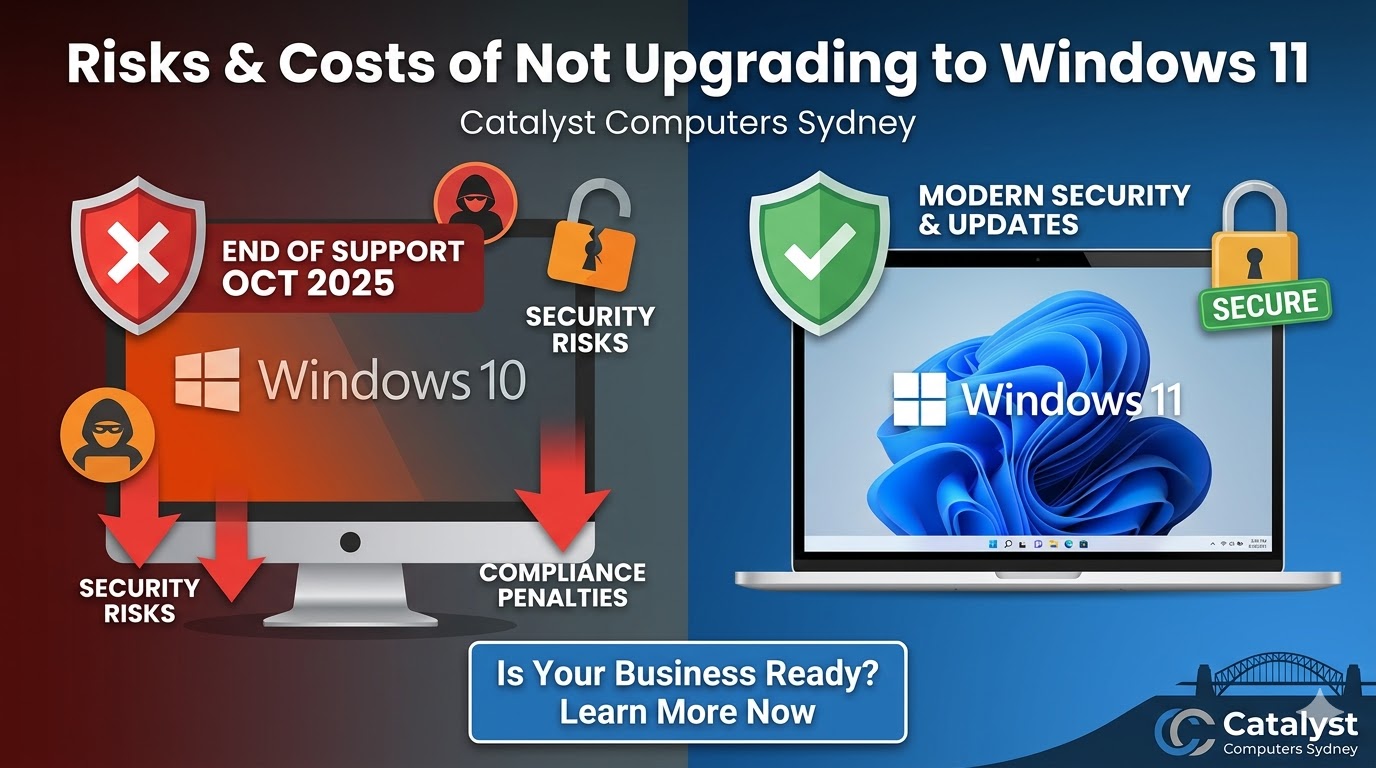
- Windows 10 support ends October 14, 2025. After that date, you won’t get security patches, putting your business at risk for compliance failures and cyber attacks. Australian businesses lost over $33 billion to cybercrime last year, and running outdated systems is like leaving your office door unlocked overnight.
Windows 11 isn’t just a prettier interface. It’s built with security features that align with Australian government requirements, APRA compliance standards, and industry-specific regulations.
For many Sydney businesses, upgrading isn’t about staying current, it’s about staying protected and meeting your legal obligations.
Security Features That Actually Protect Your Business
Here’s where Windows 11 makes a real difference for compliance.
Hardware-Based Security
Windows 11 requires TPM 2.0 (Trusted Platform Module), which means your data gets encrypted at the chip level. For businesses handling client information, financial records, or medical data, this hardware encryption meets the “reasonable steps” requirement under Australian privacy laws. Our cybersecurity services help ensure these features are properly configured.
Built-In Protection
Microsoft Defender for Business comes standard with Windows 11 Pro and Enterprise. Unlike the consumer version, it includes threat detection that watches for suspicious behaviour across your network.
We’ve seen this stop ransomware attacks before they could encrypt client files, saving Sydney businesses tens of thousands in potential losses.
Regular Security Updates
Windows 11 delivers security patches automatically, which matters more than you’d think. Many compliance frameworks, including APRA CPS 234, require timely security updates. With Windows 11, you’re not chasing patches; they happen automatically in the background.
Pro vs Enterprise: Which Version Do You Actually Need?
This is where other IT providers start pushing expensive Enterprise licenses you probably don’t need. Here’s the honest breakdown:
- Windows 11 Pro works for most Sydney SMBs. You get BitLocker encryption, remote desktop capabilities, and Azure Active Directory integration. For businesses with 5–50 staff running standard operations, Pro handles your compliance requirements without the Enterprise price tag.
- Windows 11 Enterprise makes sense if you’re dealing with APRA regulations, government contracts requiring ISM compliance, or you need advanced features like Windows Defender Application Control. We typically recommend Enterprise for financial services, healthcare providers handling sensitive patient data, or businesses with specific regulatory requirements.
At Catalyst Computers, we assess your actual needs during our free consultation. Unlike other providers, we won’t upsell you on Enterprise licenses just because they’re more expensive. Our business IT support team focuses on what you actually need, not what earns us the biggest commission.
Meeting Australian Government Compliance Frameworks
If you work with government agencies or handle regulated data, Windows 11 helps you meet specific Australian frameworks:
- ISM (Information Security Manual) guidelines from the Australian Cyber Security Centre recommend regular patching, encryption, and access controls. Windows 11 Pro and Enterprise include these features as standard, making ISM compliance significantly easier than with older systems.
- APRA CPS 234 requires financial institutions to maintain information security capabilities. Windows 11 Enterprise provides the security logging, encryption, and access management that APRA expects from regulated entities.
- Privacy Act compliance becomes simpler with Windows 11’s built-in encryption and security features. When client data is properly protected at the operating system level, you’re taking the “reasonable steps” the Privacy Act requires.
Planning Your Windows 11 Migration Without the Headaches
We know the thought of migrating your entire business to a new operating system sounds stressful. That’s why we’ve developed a proven approach that works for Sydney businesses:
Week 1: Quick Assessment
Our Sydney-based team reviews your current setup with a free, no-obligation audit. We identify which computers can upgrade to Windows 11 (some older machines can’t), check application compatibility, and spot potential issues before they become problems. This assessment through our managed IT services prevents the surprise costs that other providers spring on you mid-project.
Week 2–3: Staged Migration
We upgrade your systems in phases, typically during off-hours or weekends. Your team keeps working while we handle the technical details. No downtime, no disruption to client service, no monthly fees for the privilege.
Transparent Pricing
Unlike providers who charge hourly and watch the meter run, we offer fixed-price Windows 11 migrations. A typical 25-user Sydney business pays $2,500–$4,000 all-inclusive. That covers assessment, migration, testing, and 30 days of post-migration support with zero hidden fees.
What This Actually Costs (and Why It’s Worth It)
Let’s talk about money, because that’s probably your biggest question.
The Real Numbers
Windows 11 Pro licenses: roughly $200–250 per device. But the real cost isn’t the license; it’s the migration work, application compatibility testing, and potential hardware upgrades.
A typical Sydney SMB spends $6,000–12,000 for complete Windows 11 migration with professional support.
What You’re Actually Buying
You’re not just buying a new operating system. You’re buying protection against the $15,000 average cost of a data breach for Australian SMBs. You’re buying compliance with regulations that carry potential penalties of $2.22 million for serious privacy breaches. You’re buying peace of mind that your systems meet current security standards.
At Catalyst Computers, we provide transparent quotes upfront. No surprises, no scope creep, no hourly billing that keeps climbing. Just honest pricing for exceptional service that keeps your business protected and compliant.
Take the Next Step
Windows 10 support ends October 2025. With migration projects typically taking 3–6 weeks and IT providers booking up quickly, now is the time to plan your upgrade.
We’ve helped over 200 Sydney businesses migrate to Windows 11 with zero downtime and complete compliance alignment. Our fixed-price guarantee, local Sydney support, and commitment to transparent pricing make us the trusted choice for businesses requiring small business IT support without the contract trap.
Ready to upgrade without the headaches? Contact Catalyst Computers today:
Phone: (02) 9160 0335
Email: info@catalystcomputers.com.au
Website: catalystcomputers.com.au
Book your free Windows 11 assessment today. We’ll review your current setup, recommend the right licensing for your needs, and provide a fixed-price quote with no obligations.
At Catalyst Computers, we believe exceptional IT support shouldn’t come with contracts, monthly retainers, or nasty surprises.